Skip to content

FREEYour first 2 colorizes are free. Full size, no watermark, no card.Try it

ImgColorizer

Image Colorizer: Colorize Black and White Photos with AI

AI image colorizer turns a black and white photo into a natural color photo, keeps every face exactly as it appears, and returns the result at full resolution.

Works with JPG · PNG · WebP · HEIC · TIFF

Upload a black and white photo

See a real result

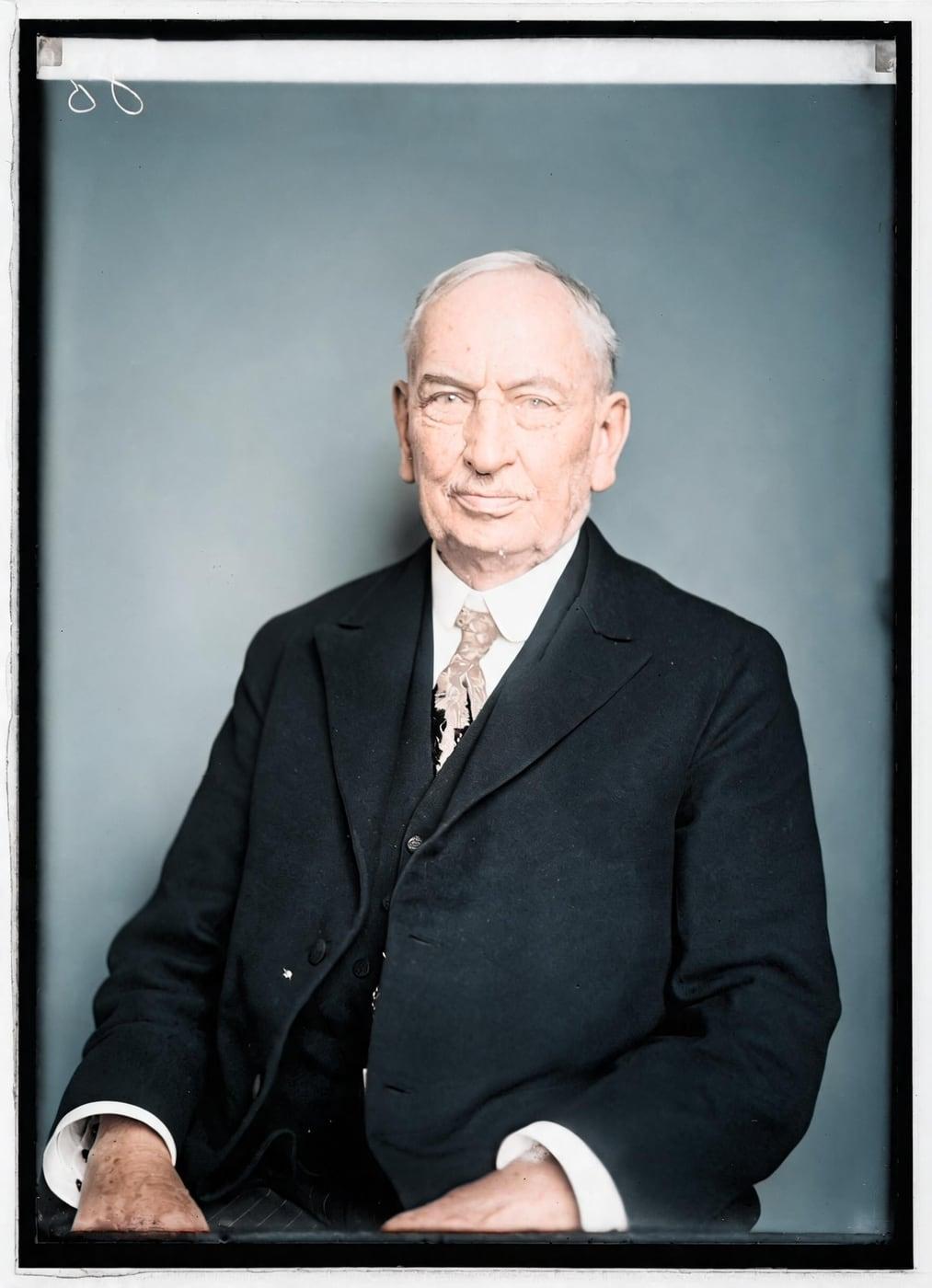
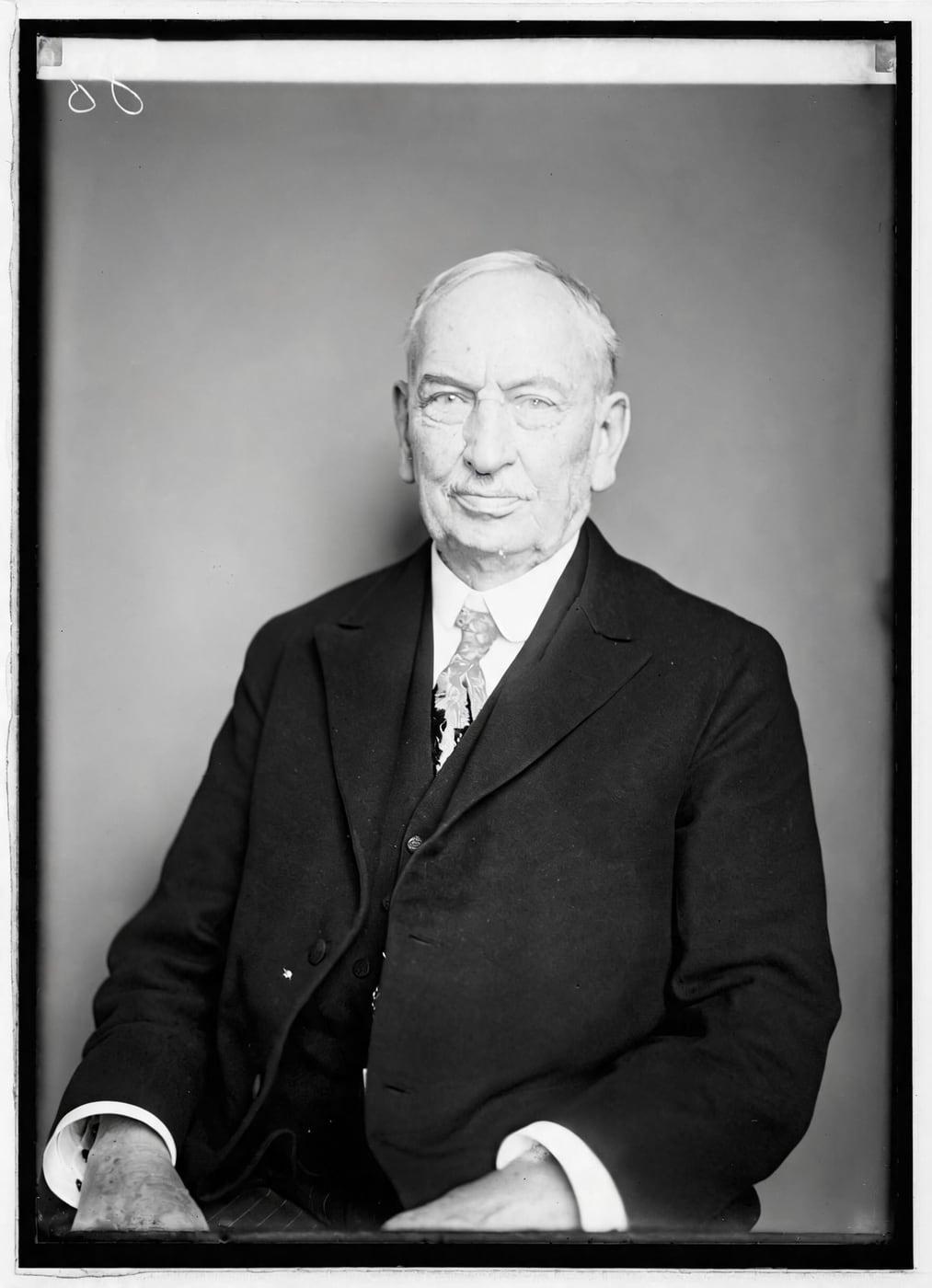
A black and white portrait, and the same portrait in natural color
Example: Senator Theodore E. Burton, 1921–22 (Library of Congress, public domain).
Full-resolution output
8,000px
Colorizes, no card required
2free
Then uploads are deleted
24h
Charged for failed results
0credits

Colorize Old Photos Without Redrawing a Single Face

Old photo colorizer adds color to old photos while your scan keeps its own light and shade, so faces, expressions and handwriting stay pixel for pixel as they were captured.

Colorizing old photos with luma lock adds color to old photos without repainting the people in them, and your grandparents keep their own faces.

A grayscale scan cannot reveal every original hue, so colorized old photos show plausible colors on top of untouched detail.

Try it on your photo

How to Colorize a Black and White Photo

To colorize a black and white photo, upload it, add color hints if you know them, then compare and download.

The black and white photo colorizer runs in your browser in about a minute, with no app to install.

Those three steps answer how to colorize black and white photos, how to make a black and white photo color and how to turn a black and white photo into color, and the first one is the upload.

  1. Upload your photo

    To upload your photo, drop a scan or a straight-on phone picture of the print into the image colorizer in JPG, PNG, WebP, HEIC or TIFF format. A bigger scan gives the online photo colorizer more pixels to color whether you colorize a photo online from a scanner or a phone, and after the upload you can add color hints.

  2. Add color hints, if you know them

    To add color hints, type the colors you know, such as "blue dress" or "red brick house", and the AI colorizer uses them where the photo cannot tell. Hints change colors only, so you recolor a black and white photo without adding, removing or moving anything, even when you just ask the AI to color the picture for you, and you check the hinted colors in the before and after view.

  3. Compare and download

    To compare and download, move the slider between the black and white original and the color version, then pick the version you like. Your black and white photo to colour photo downloads at full size, free, as many times as you like, so every b&w photo to color result stays yours.

Free Online Photo Colorizer for Black and White Photos

The free photo colorizer lets you colorize a photo online free at full size, with no watermark, no card, no subscription and nothing to install.

Your first colorizes are free, so you can colorize black and white photos free, or colorize an image online free, and judge the result on your own picture.

The free online colorizer works as a free black and white to color converter and returns the same full-size, unwatermarked file as a paid colorize, so free photo colorization never means a smaller or marked copy.

Try it now

Image Colorization Before and After Results

Drag the slider on any example to compare the black and white original with the colorized photo, and see how black and white photos colorized by the AI, from portraits to street scenes, keep their original detail.

A black and white portrait, and the same portrait in natural color
Senator Theodore E. Burton, 1921–22. Library of Congress, public domain.

Image Colorizer Without Modifying Your Photos

Image colorizer adds color without modifying your photo: the AI photo colorizer chooses the colors, and your scan keeps its own brightness in every pixel.

Nothing is redrawn, shrunk or invented, so AI colorization leaves the structure of your photo exactly as it was.

Four features keep your detail and size, follow your color hints and check every result.

Your detail, our color

Your detail, our color means the AI colorizer suggests the colors, then keeps your scan's own luminance in every pixel. Faces, grain and writing in the colorized image come from your photo, not from the AI, so a grayscale image becomes a color image without a single redrawn feature.

As big as your scan

As big as your scan means the image colorizer lays the color onto your original file, up to 8,000 pixels on the long side. A 600 dpi scan comes back in full color and ready for a large print.

Color hints you control

Color hints you control let you tell the photo colorizer the colors you know, such as a blue dress or a green door. Hints change colors only, so a typo cannot add a hat or remove a person from the black and white photo you color.

Checked, or your credit back

Checked, or your credit back means the black and white photo colorizer compares every result with your upload before you see it. When a result is not the same picture, the picture colorizer makes it again with a second model, and when that fails too, the result is never shown and you pay nothing.

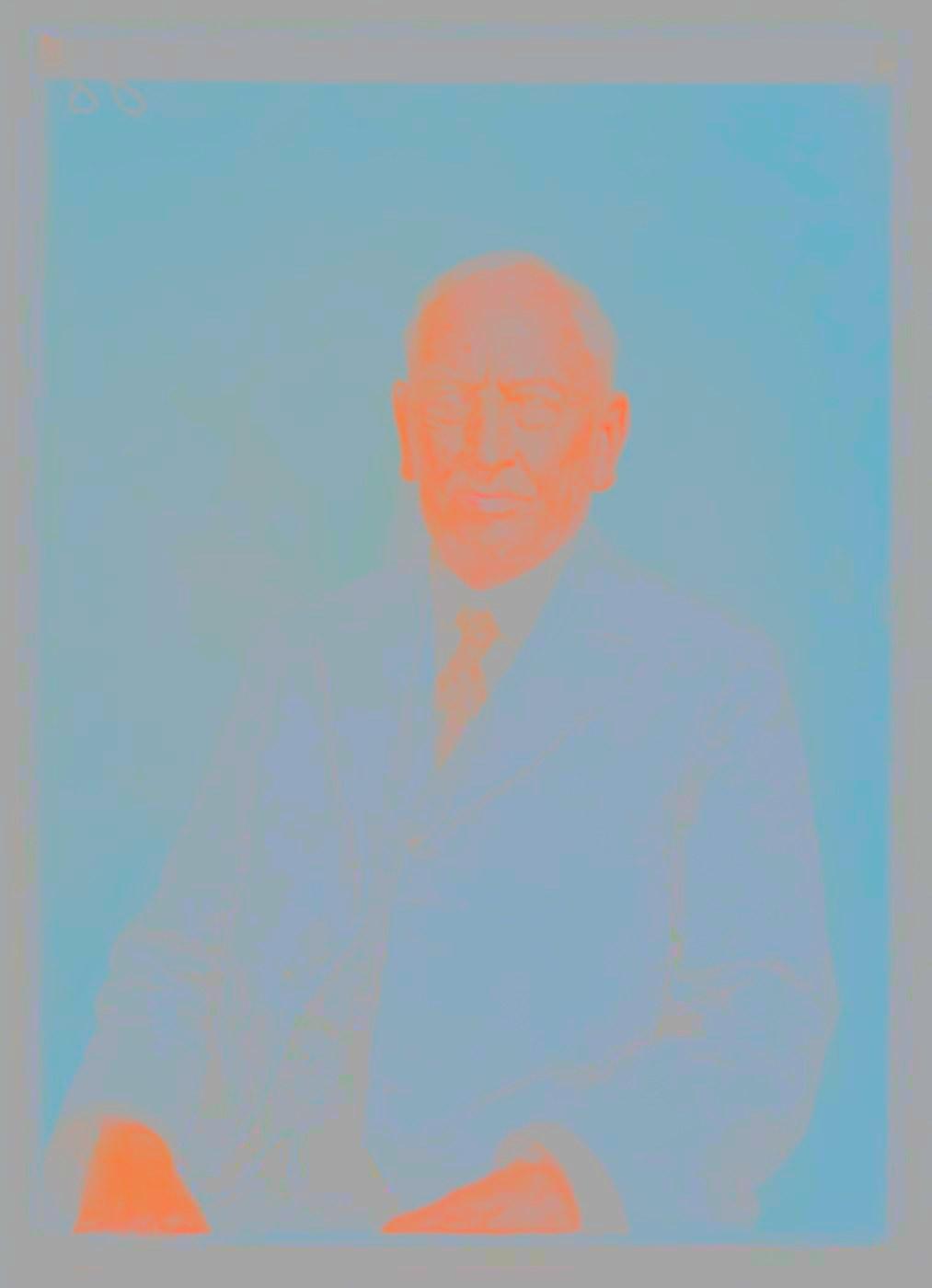
Your scan: all the detail

The AI's part: color only

The result: your detail, in color

How a colorize is made: your scan's brightness, pixel for pixel, plus the AI's color. The middle panel is exaggerated so it reads at this size. Example: Senator Theodore E. Burton, 1921–22 (Library of Congress, public domain).

Img Colorizer Tools for Color Restoration

Img Colorizer tools for color restoration all work on the same photo, so you can repair a damaged print, colorize it, sharpen it for printing, retouch faces or animate a portrait.

Each tool keeps the people in the photo as they are, and the image colorizer adds the color at any point in that sequence.

Restore

Restore Old Photos

Restore old Photos repairs scratches, dust, creases, tears, stains and fading without redrawing faces.

With "Add color too" ticked, the image colorizer colors the repaired print in the same pass for no extra credit, so you restore old pictures, repair black and white photo damage and add color in one step, and the restored photo comes back at about 2,048 pixels on the long side.

Mends
scratches, dust, creases, tears and stains
Lifts
fading and yellowing from aged paper
Delivers
about 2,048 px on the long side

Restore an old photo3 credits a photo
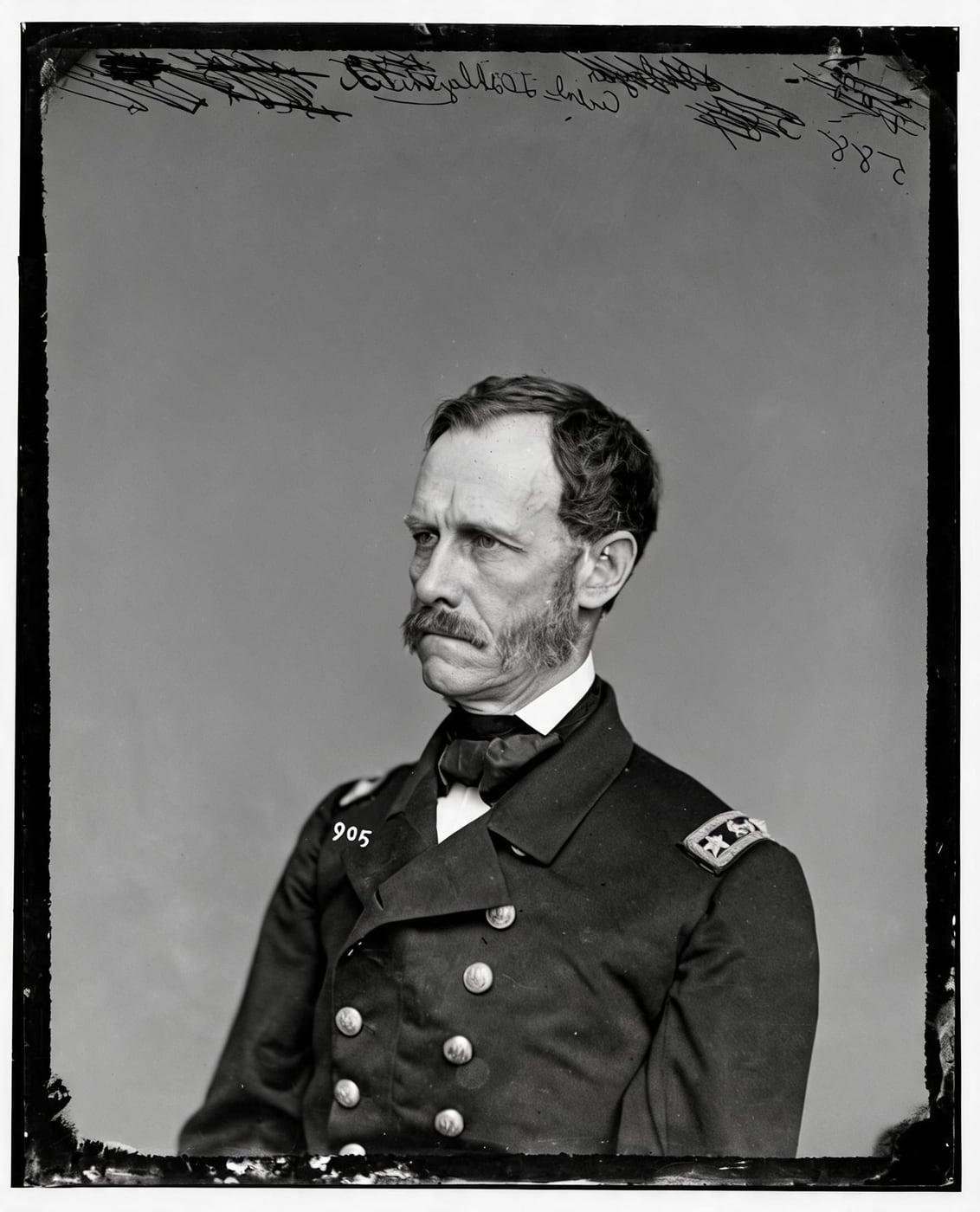
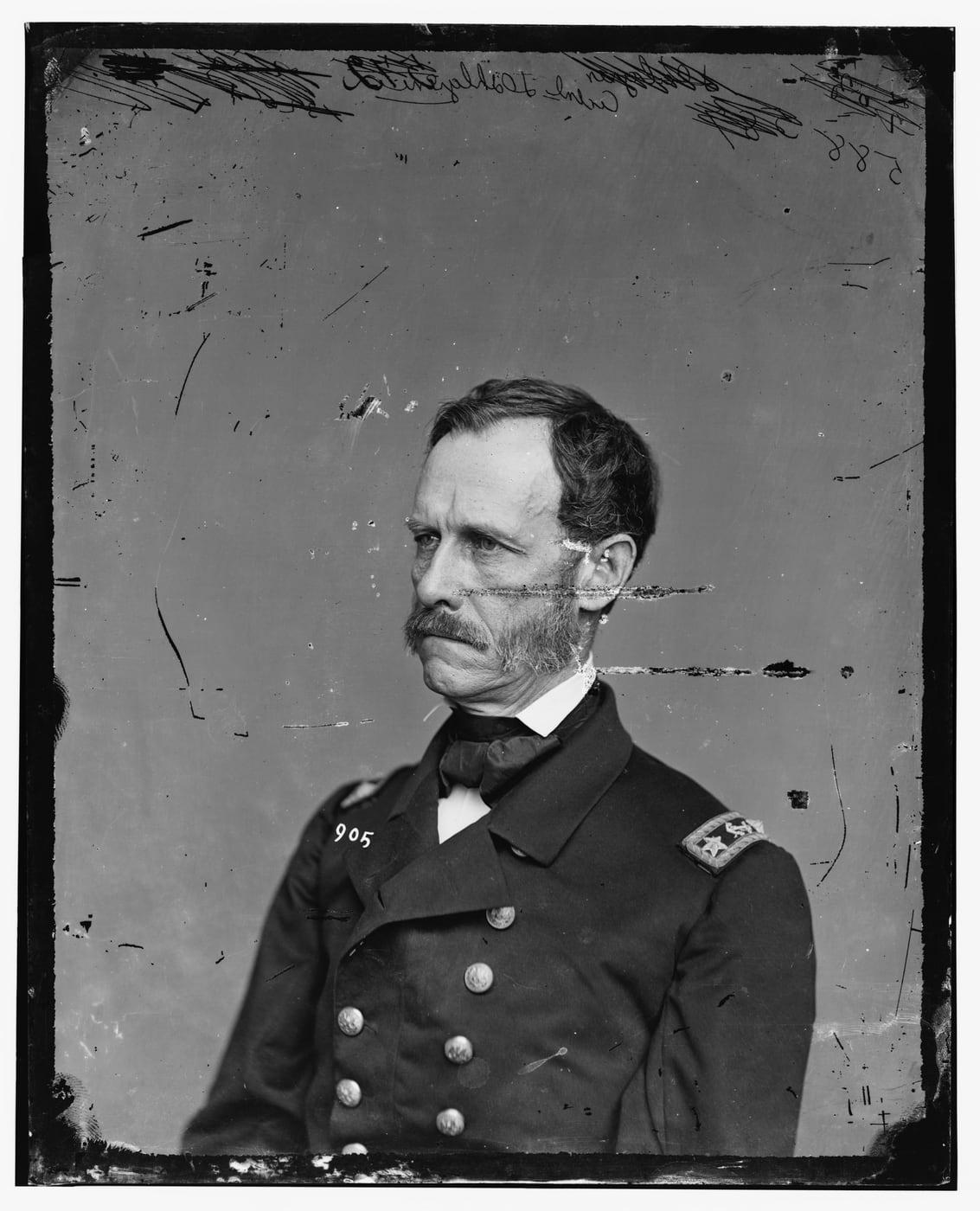
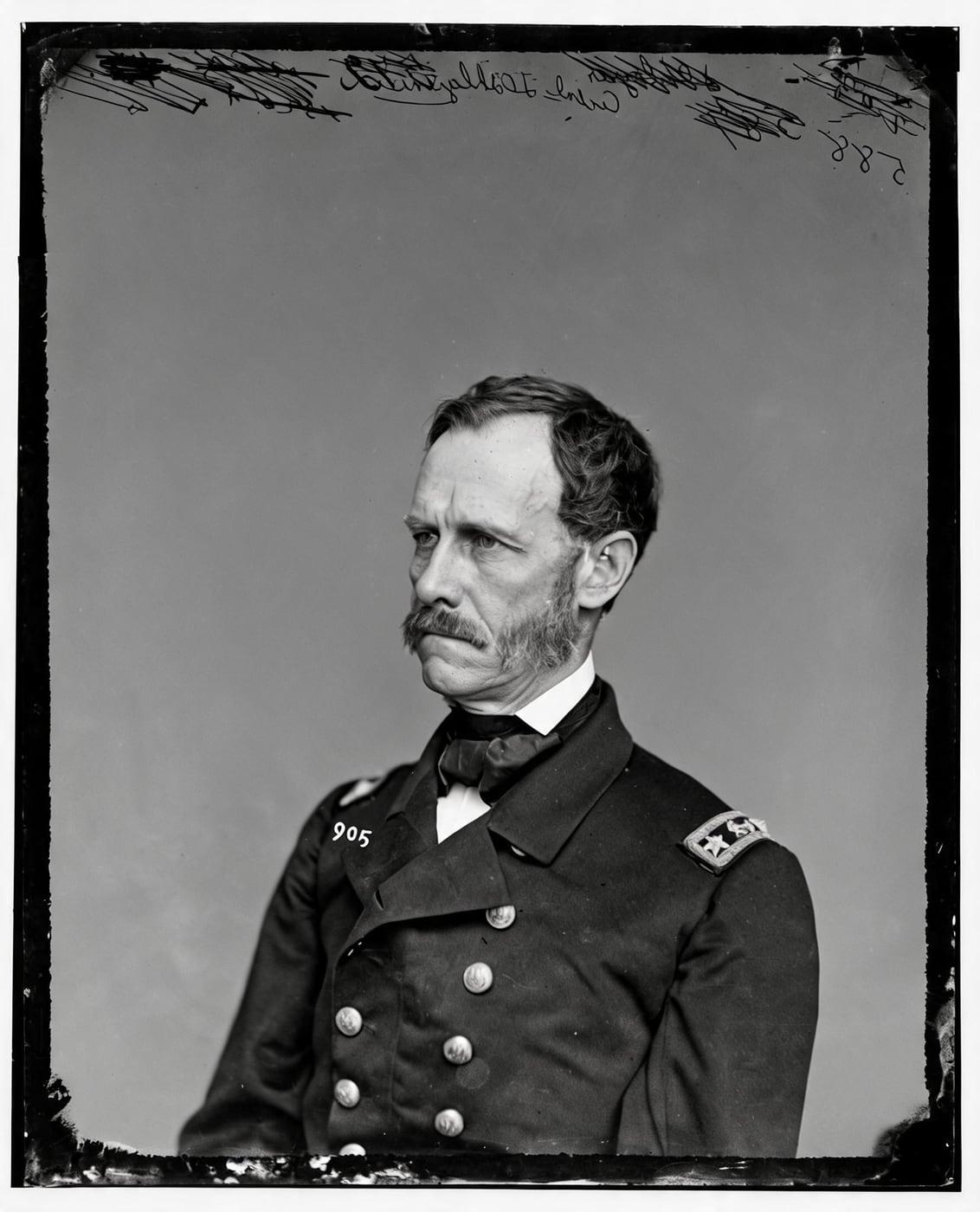
A scratched old portrait, and the same portrait restored with the same face
Example: Rear Admiral John A. Dahlgren, c. 1860–65 (Library of Congress, public domain).

Enhance

Photo Enhancer

The photo enhancer uses a precision upscaler instead of a generative model, so it sharpens the texture your camera recorded rather than painting new texture on top.

The photo enhancer cleans JPEG blocks and softness and enlarges a colorized photo from 1.5 to 4 times its size, toward about 4,000 pixels, which makes a fuzzy photo clear enough to print and answers how to upscale an image without AI inventing detail.

Enlarges
1.5× to 4×, toward about 4,000 px
Cleans
JPEG blocks and slight softness
Pairs with
Restore first, Enhance last

Sharpen and upscale a photo2 credits a photo

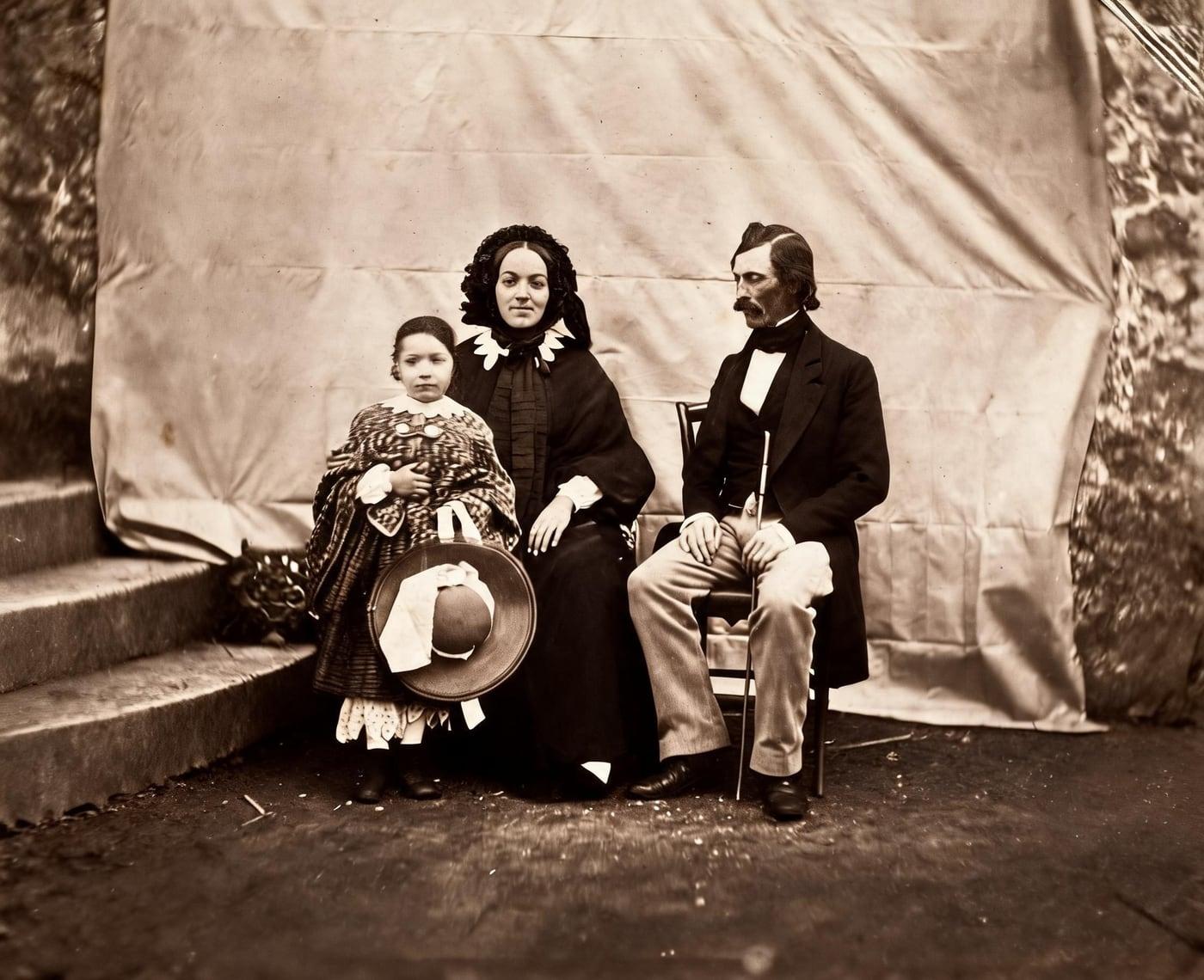
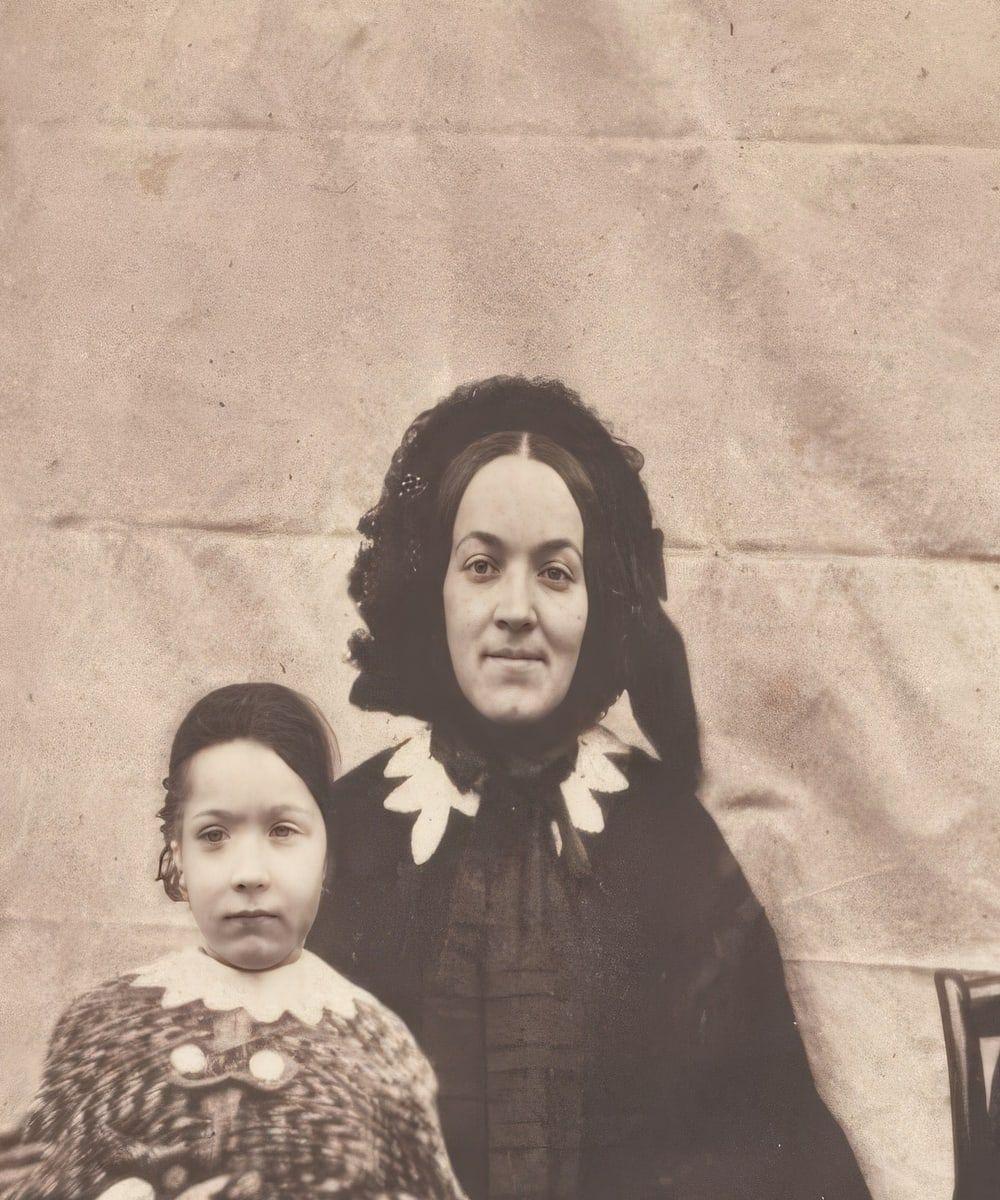
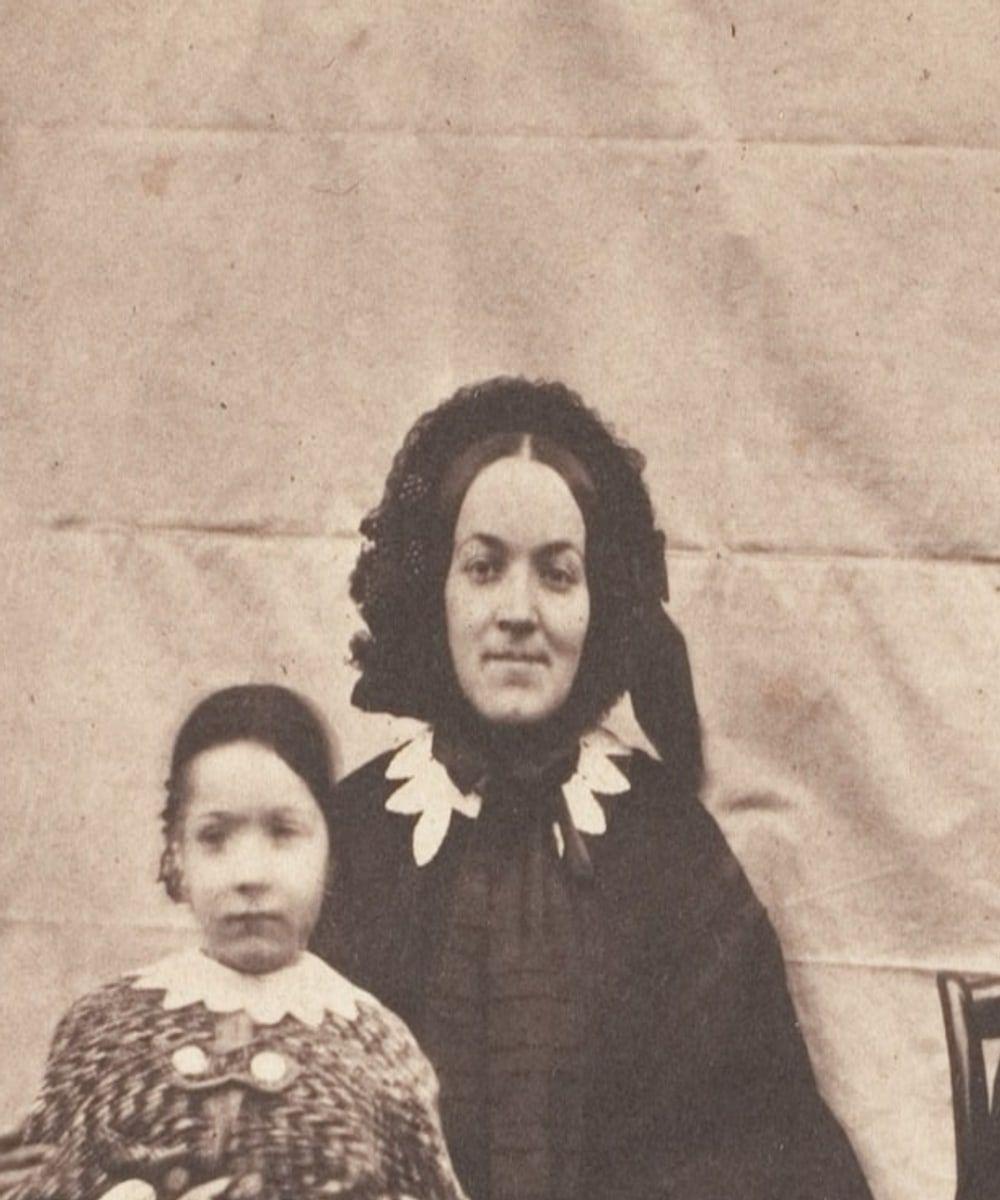
A small, soft old photo, and the same photo sharper and larger
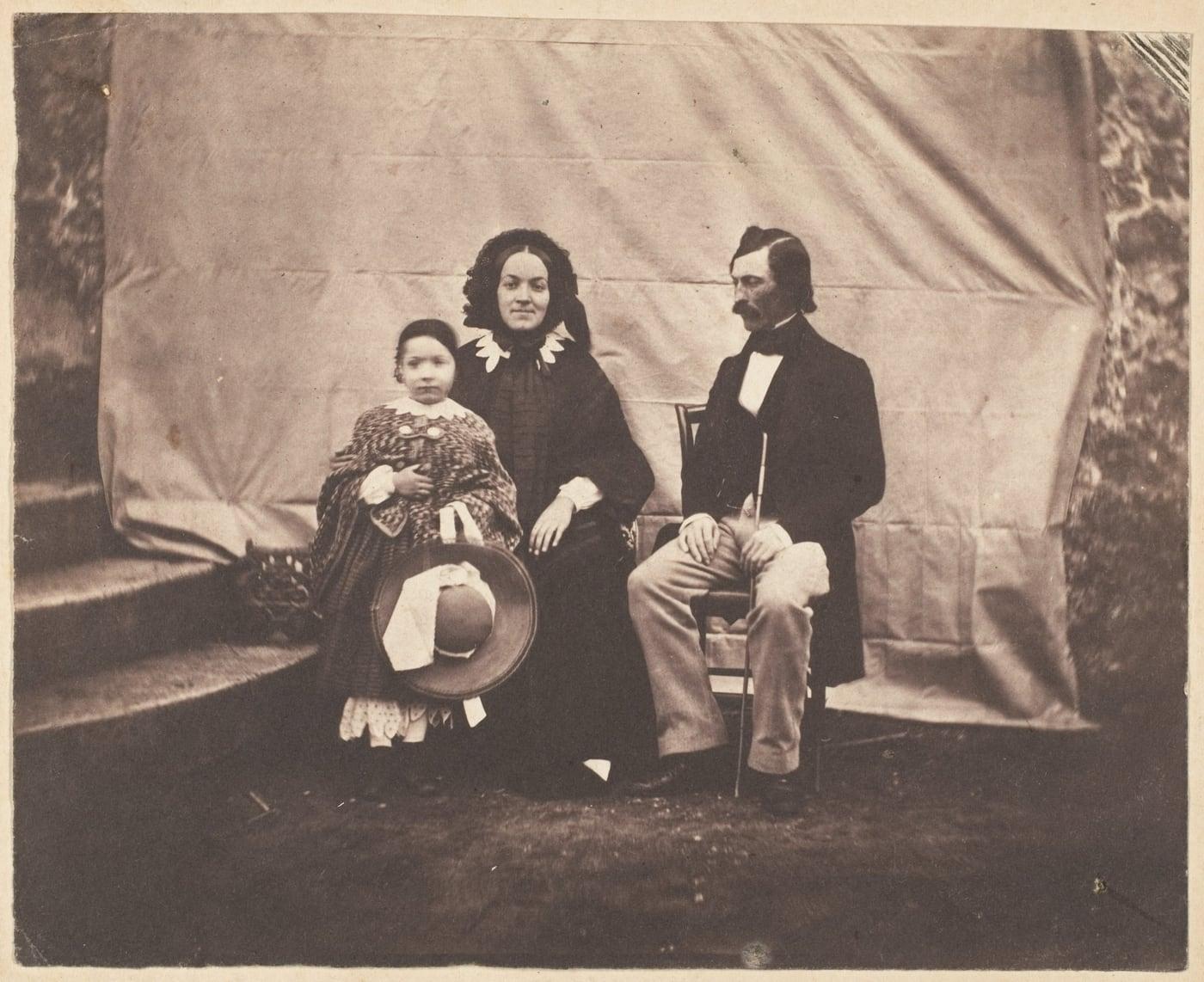
Example: Mother and child, from Family Group by Charles Nègre, 1854 (The Metropolitan Museum of Art, CC0).

Retouch

Retouch Portrait Photos

Retouch recovers soft and grainy faces in old portraits one by one, and keeps the size, framing and expressions of the photo.

Retouch checks the likeness before you see the result, so the portrait is ready for the image colorizer, and a photo with no face is turned away before any credit is used.

Recovers
soft and grainy faces, one by one
Preserves
size, framing, expressions and features
Verifies
likeness before you see the result

Retouch a portrait2 credits a photo

What Retouch does

  • Recovers soft and grainy faces
  • Cleans noise and compression blocks
  • Keeps the photo's size and framing
  • Works on group photos, face by face

Animate

Animate Old Photos by Turning a Still Portrait into a Living Moment

Animate turns one still portrait into a 5-second silent MP4 in which your ancestor breathes, blinks and glances aside.

Every clip carries an AI animation label, and an old photo you colorize first gives the most lifelike movement.

Produces
a 5-second silent MP4
Moves
a breath, a blink, a turn of the head
Labels
every clip as an AI animation

Animate an old photo8 credits a clip

AI animation
Example: Rear Admiral John A. Dahlgren, c. 1860–65 (Library of Congress, public domain).

Image Colorizer Pricing

Start with 2 free colorizes. After that, one-time packs from $3.99: no subscription needed, and pack credits never expire.

Compare all prices →

Image Colorizer FAQ

The image colorizer questions below cover how colorizing works, faces, accuracy, resolution, free use, sepia and faded photos, privacy, files and AI labels.

What is an image colorizer?

An image colorizer is a tool that adds natural color to black and white and sepia photos. An image colorer or picture colorer uses AI to choose colors for skin, clothes, sky and buildings, a process called photo colorization, picture colorization or image coloring. British English writes colourise and colourisation, so a colorized photo and a colourised photo are the same result.

Colorize a photo free

How do I colorize a black and white photo?

To colorize a black and white photo, upload it, add any color hints you know and press Colorize. In about a minute you compare the colorized photo with the original and download the version you prefer, which is how to colorize photos without any editing software.

Colorize a photo free

Will image colorization AI change the faces in my photo?

No, image colorization AI does not change the faces in your photo, because the AI only chooses colors and your scan's own brightness goes back into every pixel. Features, expressions and fine detail stay exactly the original's, and a result that does not match your photo is never shown.

Colorize a photo free

What are the benefits of using Img Colorizer for online photos colour?

The benefits of using Img Colorizer to colorize online photos are listed below:

  • Full resolution: colorized pictures and color photos come back at the size of your upload.
  • Faces kept: features, expressions and detail stay the original's.
  • Color hints: you steer the colors you know.
  • Free downloads: full size, no watermark, as many times as you like.
  • Result check: a failed result is never shown and costs nothing.
Colorize a photo free

How accurate are the colorized photos from black and white?

Colorized photos from black and white are plausible, not a record of the real colors, because a grayscale photo does not store the color of old photos. Research by Richard Zhang, Phillip Isola and Alexei A. Efros describes automatic colorization as an underconstrained problem in which the model produces a plausible color version of the photograph, according to "Colorful Image Colorization", 2016. The image colorizer picks colors that suit the era and the scene and keeps skin tones natural, and a color hint fixes any color you know.

Colorize a photo free

What resolution is the colorized photo?

The colorized photo has the same resolution as the photo you upload, up to 8,000 pixels on the long side. A small photo stays small, and the photo enhancer makes it up to 4 times larger.

Colorize a photo free

Is ImgColorizer for colorize photo online free?

Yes, ImgColorizer lets you colorize photos online free: your first colorizes are full size, with no watermark and no card. After the free colorizes, credits come in one-time packs or optional monthly plans.

Colorize a photo free

Can I colorize sepia photos?

Yes, you can colorize sepia photos, because the image colorizer works on black and white and sepia photos alike. A photo that already has color is turned away before any credit is used.

Colorize a photo free

Can I colorize faded photos?

Yes, you can colorize faded photos when the print is black and white or sepia, because the image colorizer colors the tones still in the scan. A faded or damaged color print needs Restore instead, because to color correct old photos the tool brings back faded color rather than adding new color, the job of a color enhancer and not of a colorizer.

Colorize a photo free

What happens to the photos I upload to colorize?

The photos you upload to colorize are used only to make your colorized result and are deleted from the servers within 24 hours. Uploaded photos are never used to train AI, and your colorized results stay in your account until you delete them.

Colorize a photo free

Is ImgColorizer safe to use?

Yes, ImgColorizer is safe to use, because the colorizer runs in your browser with no colorize app to install and strips location data from the photo before upload. Uploads are deleted within 24 hours, and the payment processor handles card details, so ImgColorizer never sees them.

Colorize a photo free

Which files can I upload to colorize my black and white pictures?

The files you can upload to colorize black and white pictures are JPG, PNG, WebP, HEIC and TIFF, up to 40 MB. Any of those formats lets you convert a black and white photo to color, so the image colorizer replaces a separate black and white to color converter.

Colorize a photo free

Do the downloaded colorized images say they were edited with AI?

Yes, every downloaded colorized image says it was edited with AI, because the AI image colorizer writes the standard IPTC label for AI-processed images into its metadata. The label stays with the file wherever it is shared, while the visible photo is unchanged.

Colorize a photo free

Bring Your Black and White Photos to Color Again with IMG Colorizer

IMG Colorizer brings your black and white photos to color again, with your first colorizes free, at full size, with no watermark and no card.

Upload a picture to change a black and white photo to color, take it from black to colour with every face kept, and download the result for free.

The image colorizer colors black and white photos without redrawing them, so the people in your album stay exactly who they were.

Colorize a photo free